Statistics & Reports
Kooperacia turns the data you enter into clear reports. There isn't a separate "Statistics" menu - instead you reach each report from the Dashboard: tap a summary card to drill into the detail. The more complete your Units, Contacts and Finance data, the richer these become.
Residents see the headline numbers and can look up neighbours in the House Register; the deeper analytics are a management tool.
Financial report (Balance)
Open the Finance / Balance card on the Dashboard (Building → Balance) to see:
- Balance - money on hand right now.
- Month Income and Month Expense, plus Deposits, for the selected period.
- Accounts Balance - the balance of each individual account (Cash Register, bank accounts, funds).
- Payment Methods - a breakdown of how payments came in.
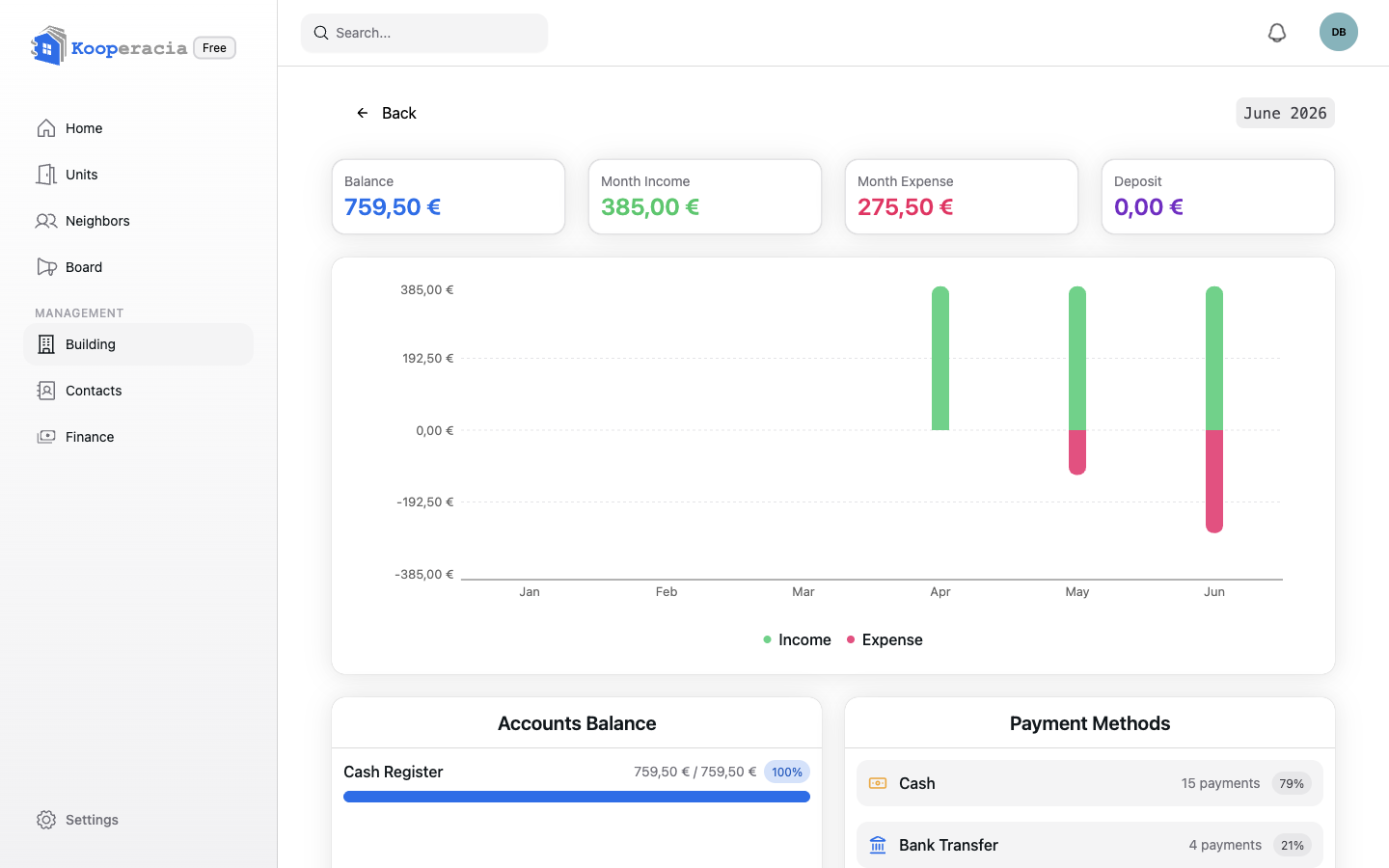
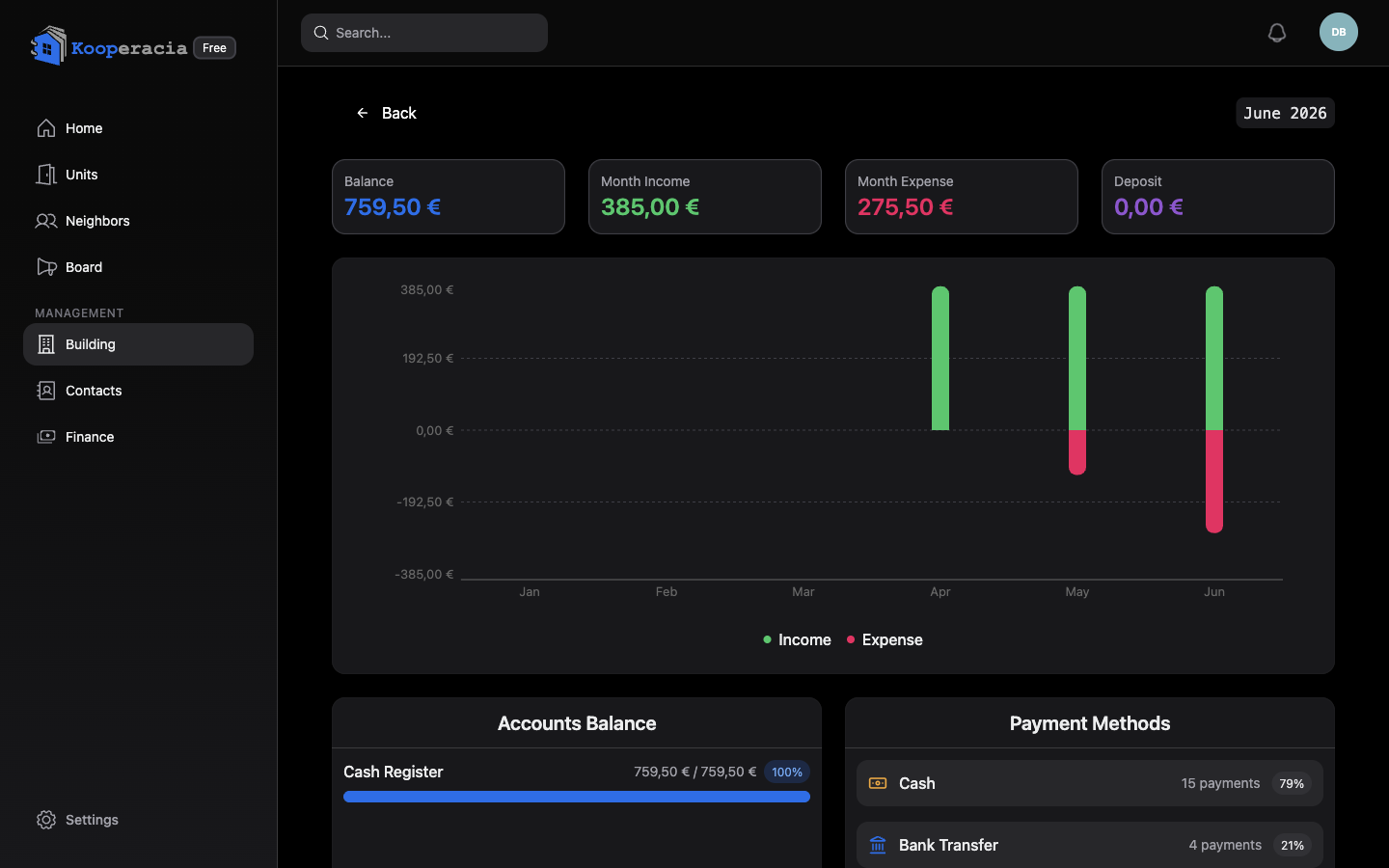 The Balance report - balance, income vs expense, accounts and payment methods.
Unit report (Units)
Open the Units card on the Dashboard (Building → Units) for:
- Unit Distribution - how many units of each type (By unit type).
- Occupancy by Floor - how full each floor is.
- Total Units.
Resident report (House Register)
Open the Residents card on the Dashboard (Building → Residents) - the page is titled House Register (Домова книга) - for:
- Total Residents and Active Residents (occupancy rate).
- Units with pets and Units with children.
- Senior Residents.
- Age Distribution - residents by age group.
- Pet Statistics - pets in the building, by type.
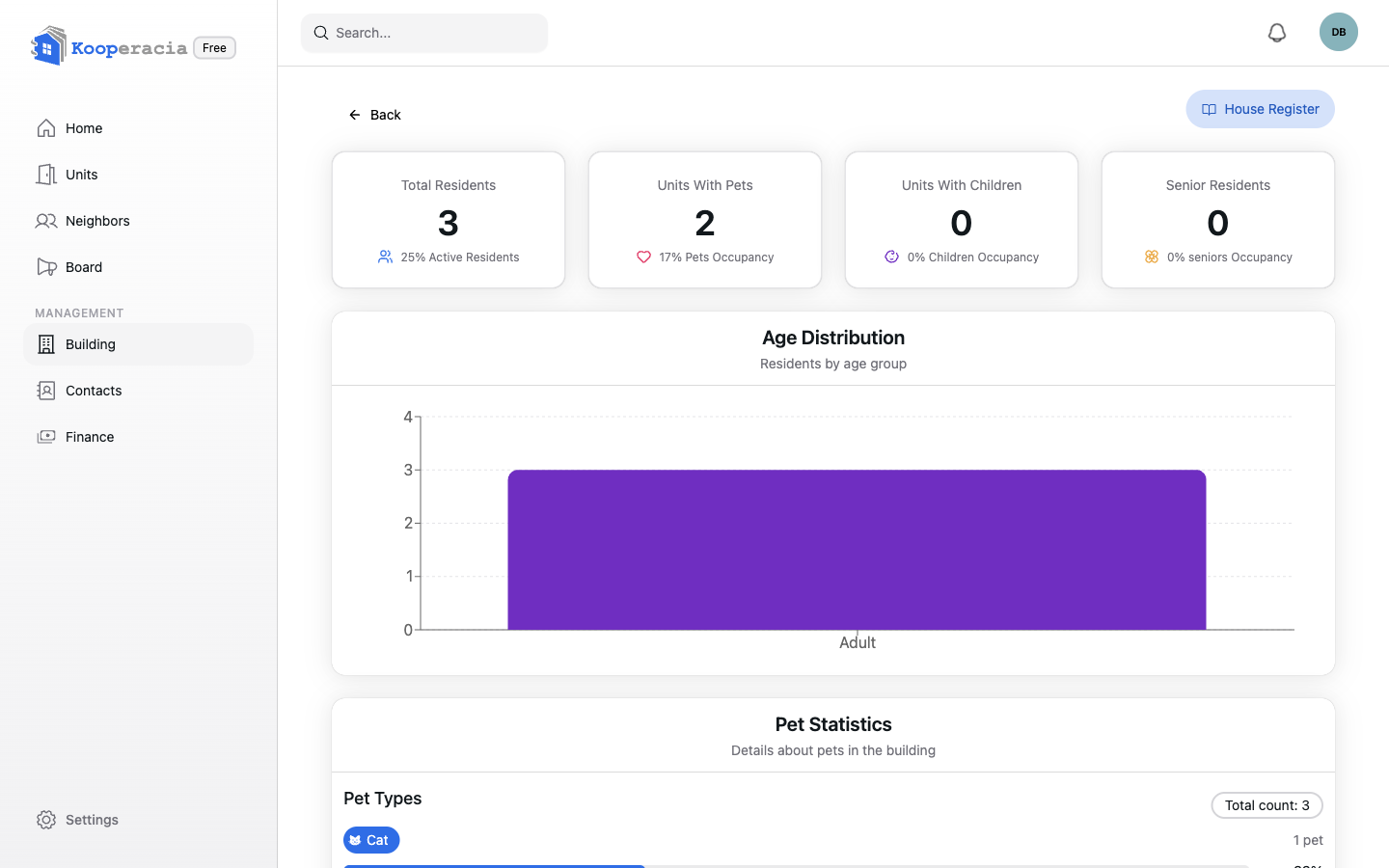
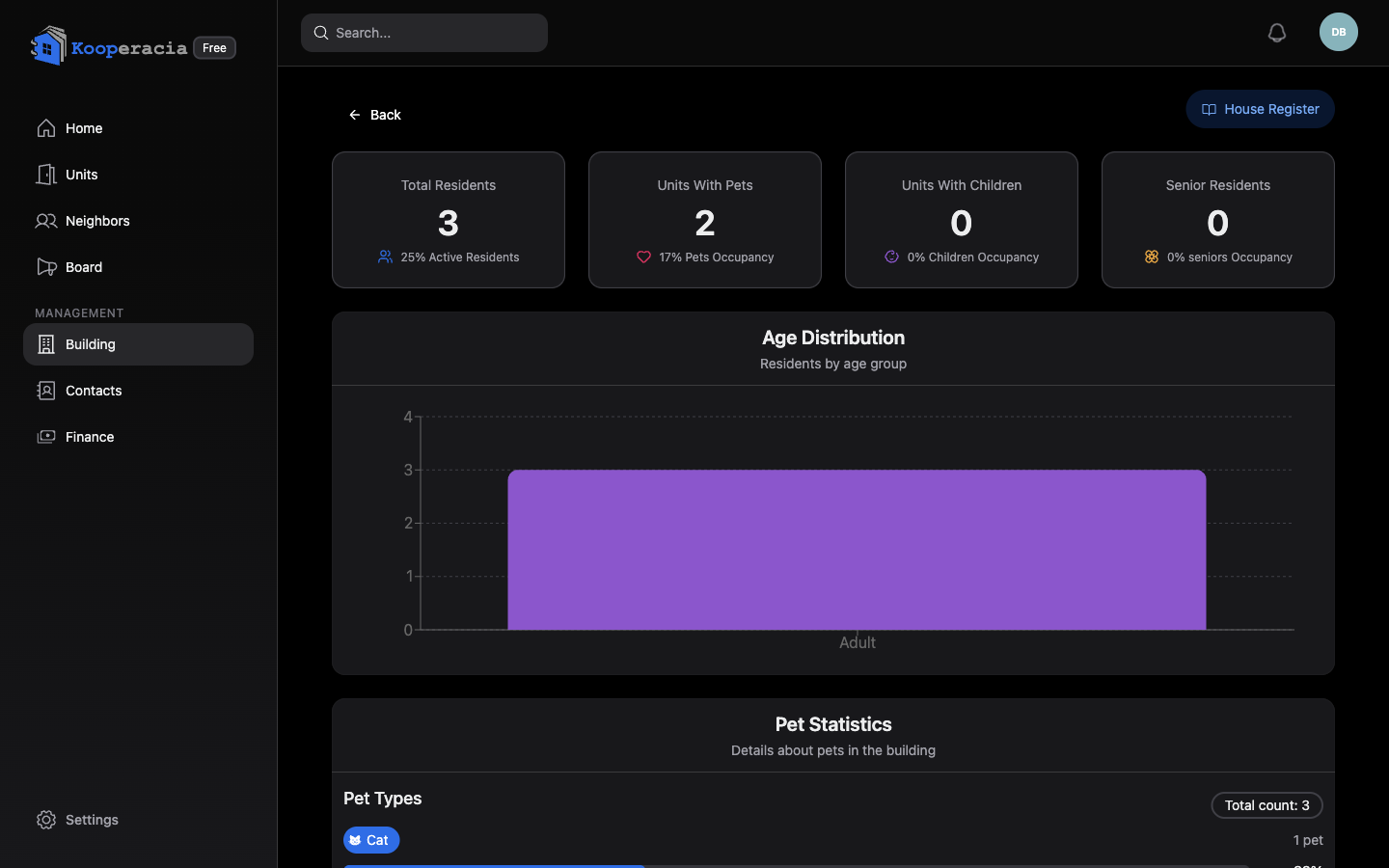 The resident report - totals, age distribution and pet statistics.
House Register
From Building → Residents → House Register (or the House Register button on the Dashboard), the House Register (Домова книга) is the official, structured record of the building's units and the people in them. It opens with summary cards - units, owners, residents and pets - followed by every unit in turn.
For each unit it lists:
- Owners and Residents, each with their age group, gender, relation to the owner (e.g. daughter, spouse) and the date they were recorded.
- Pets, with type, passport number and dates.
- A Role history button showing every owner and resident the unit has had over time, with start and end dates.
It's generated automatically from your data and can be downloaded as a PDF for meetings or authorities. Residents see only the people marked visible to all residents.
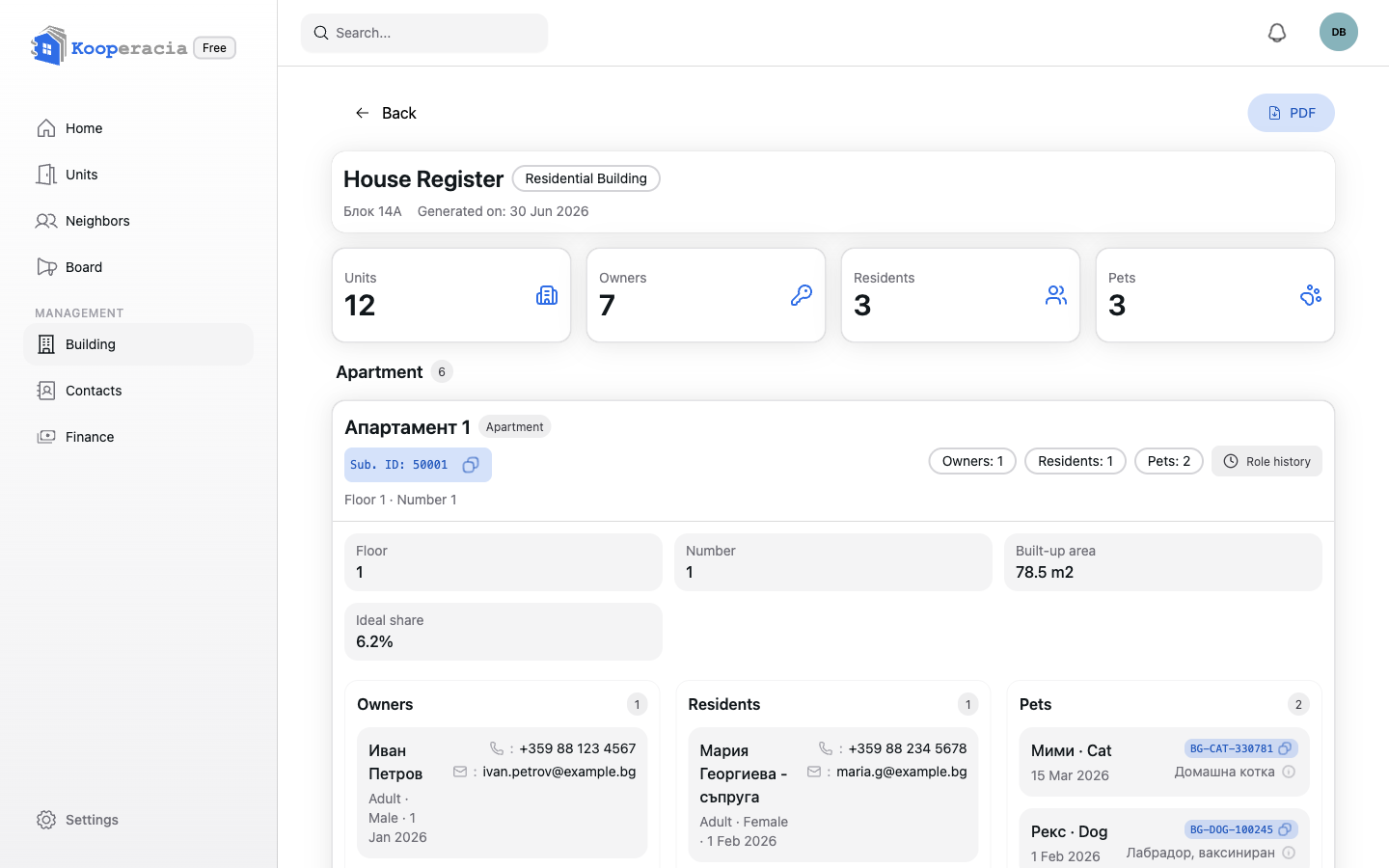
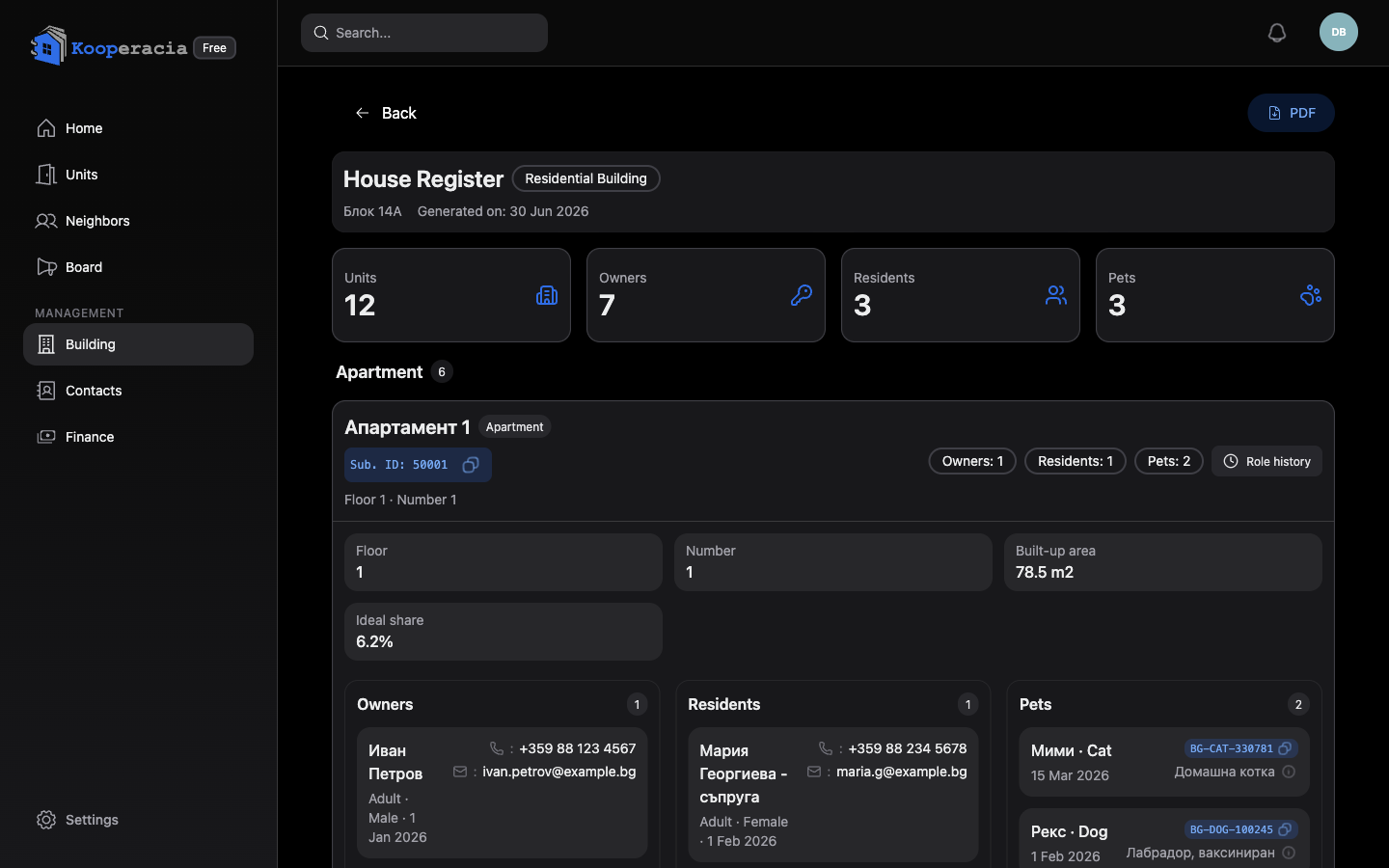 The House Register with summary cards and per-unit owners, residents and pets.
Reports and your plan
All plans - Free, Pro and Max - include the full reporting set: the balance and unit reports, the resident analytics, and the House Register with PDF export. Larger plans don't unlock extra reports; they raise the limits that matter for bigger buildings - more units, more storage, and priority support on the top plan. Manage your plan in Settings & Subscription.
Next steps
- Keep data current in Units and Finance.
- Review your plan in Settings & Subscription.