Neighbours Chat & Polls
The Neighbours area is where the building talks to itself - group channels, private direct messages, and polls for collecting opinions and votes.
You'll find this under Neighbours (Съседи) in the menu. The same area also links to the Resident registry (House Register), so neighbours can look each other up.
Channels
Channels are group conversations everyone (or a chosen group) can join - for example general, maintenance and announcements. Managers can Create channel for any topic.
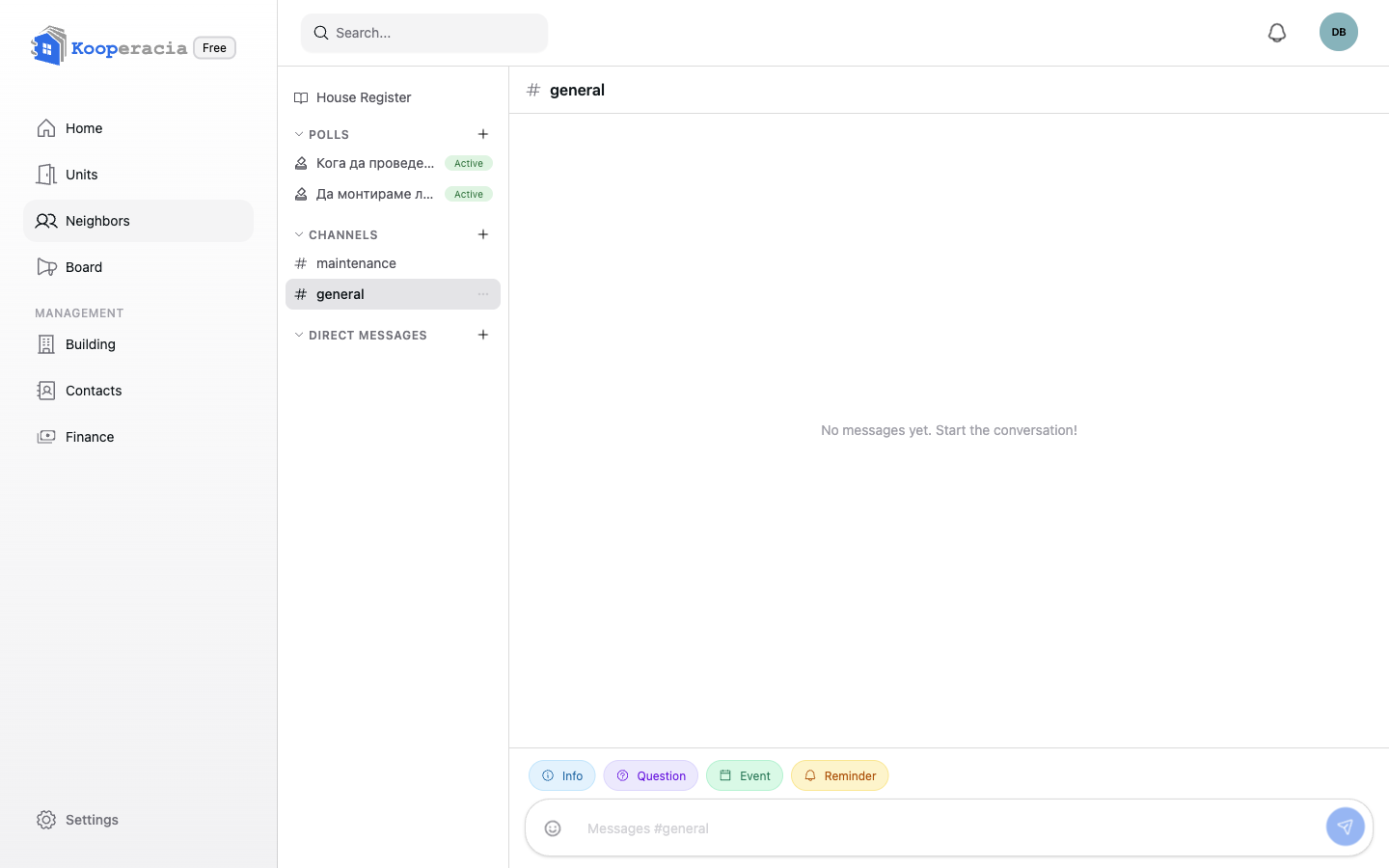
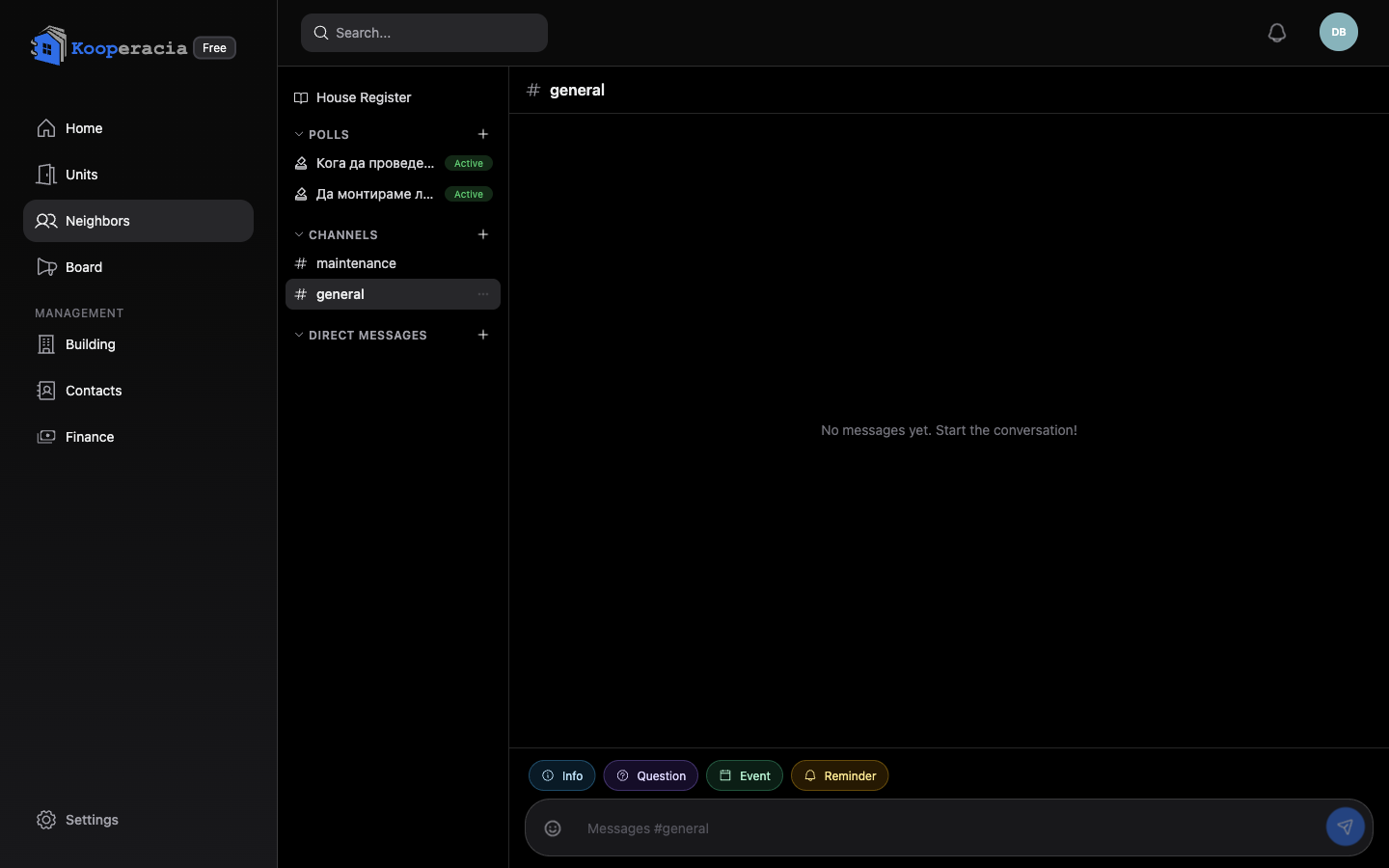 The chat view with the channel list on the left and a conversation open.
Direct messages
Need a private word with a neighbour or the manager? Start a direct message. If you're the only member so far, the app will simply say there are no other members yet.
Sending messages
- Add emoji from the picker, edit a message after sending, or copy its text.
- You'll see typing indicators ("is typing…") and can load earlier messages in long threads.
Highlight tags
In channels like maintenance, start a message with a tag to make it stand out - #attention, #warning or #danger. There are also quick markers such as Info, Question, Reminder and Event. Managers choose which special message buttons are available per channel.
Polls & surveys
Use Polls to make decisions together - from "Which day for the assembly?" to formal building votes:
- Open Polls and click Create poll.
- Give it a title, an optional description, and 2 to 6 options.
- Create it - members vote and you watch the results in real time.
Polls are listed as Active or Closed, with the vote count for each. Members can receive notifications when a new poll is published, when one is closing soon, and when it closes (see Notifications).
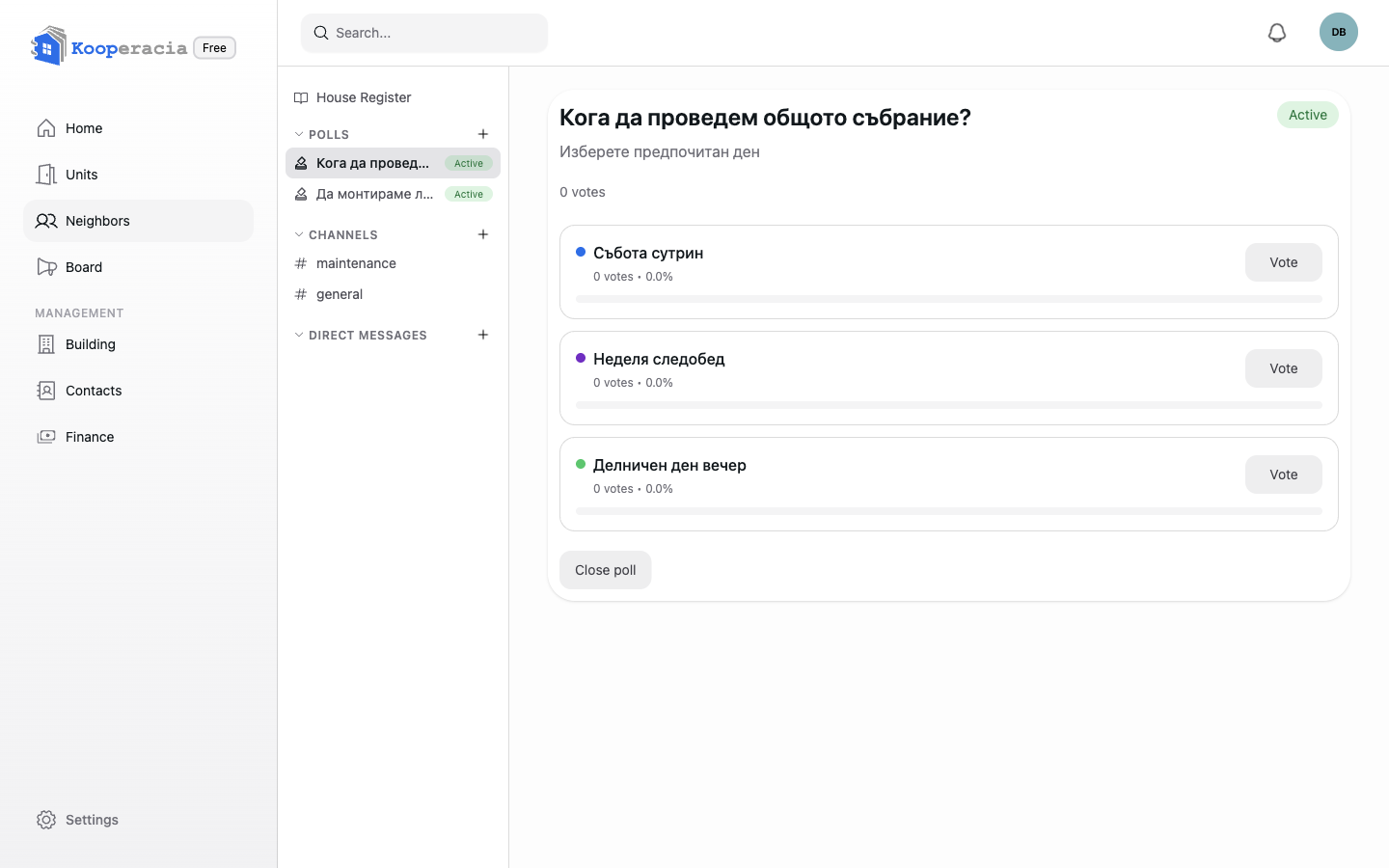
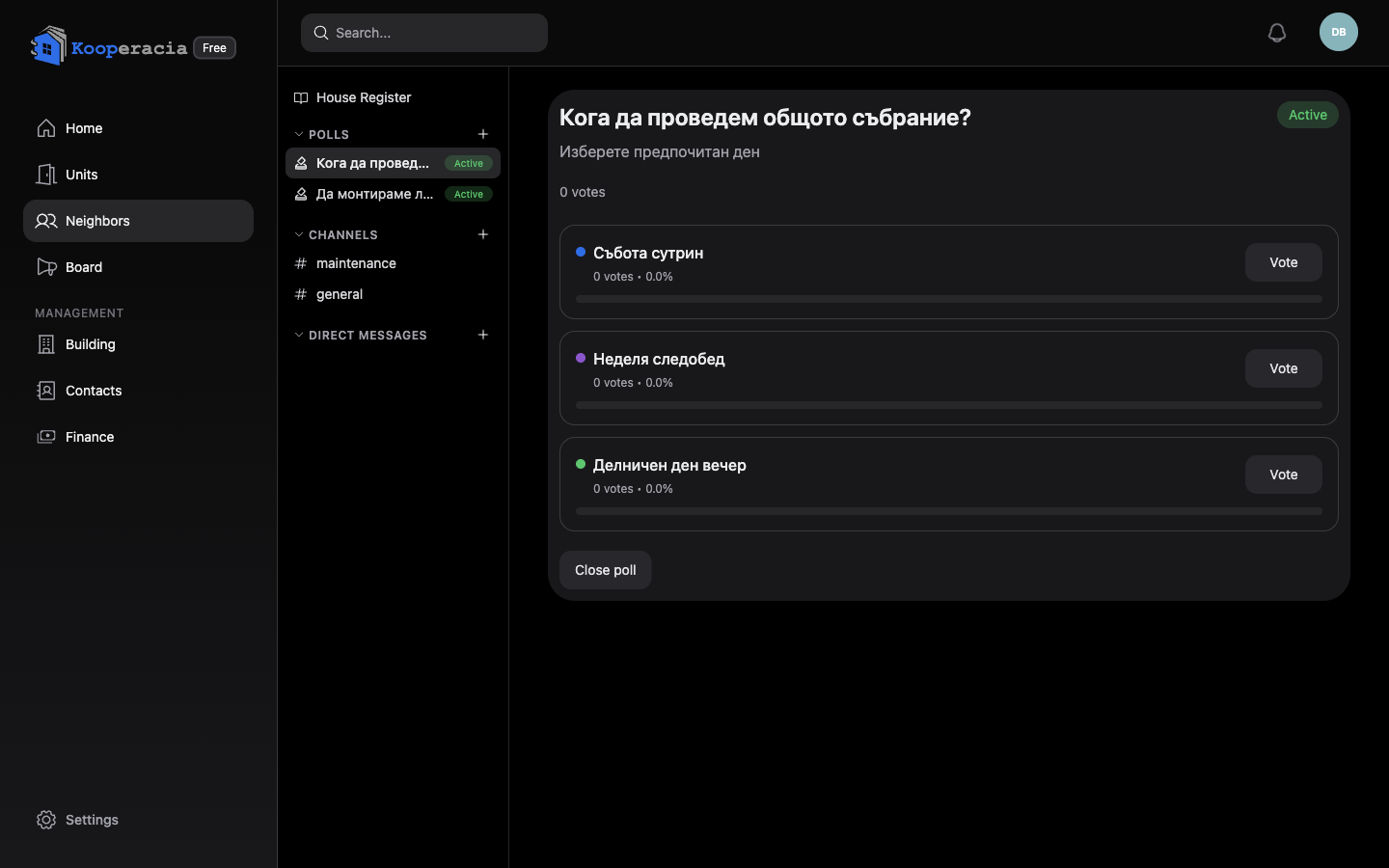 An active poll showing options and the live vote tally.
Next steps
- Post formal notices on the Bulletin Board.
- Schedule the outcome in Events & Calendar.