Events & Calendar
The Calendar keeps the whole building in sync - general assemblies, board meetings, inspections, maintenance windows and fee due dates all in one place. Events also surface on the Dashboard calendar.
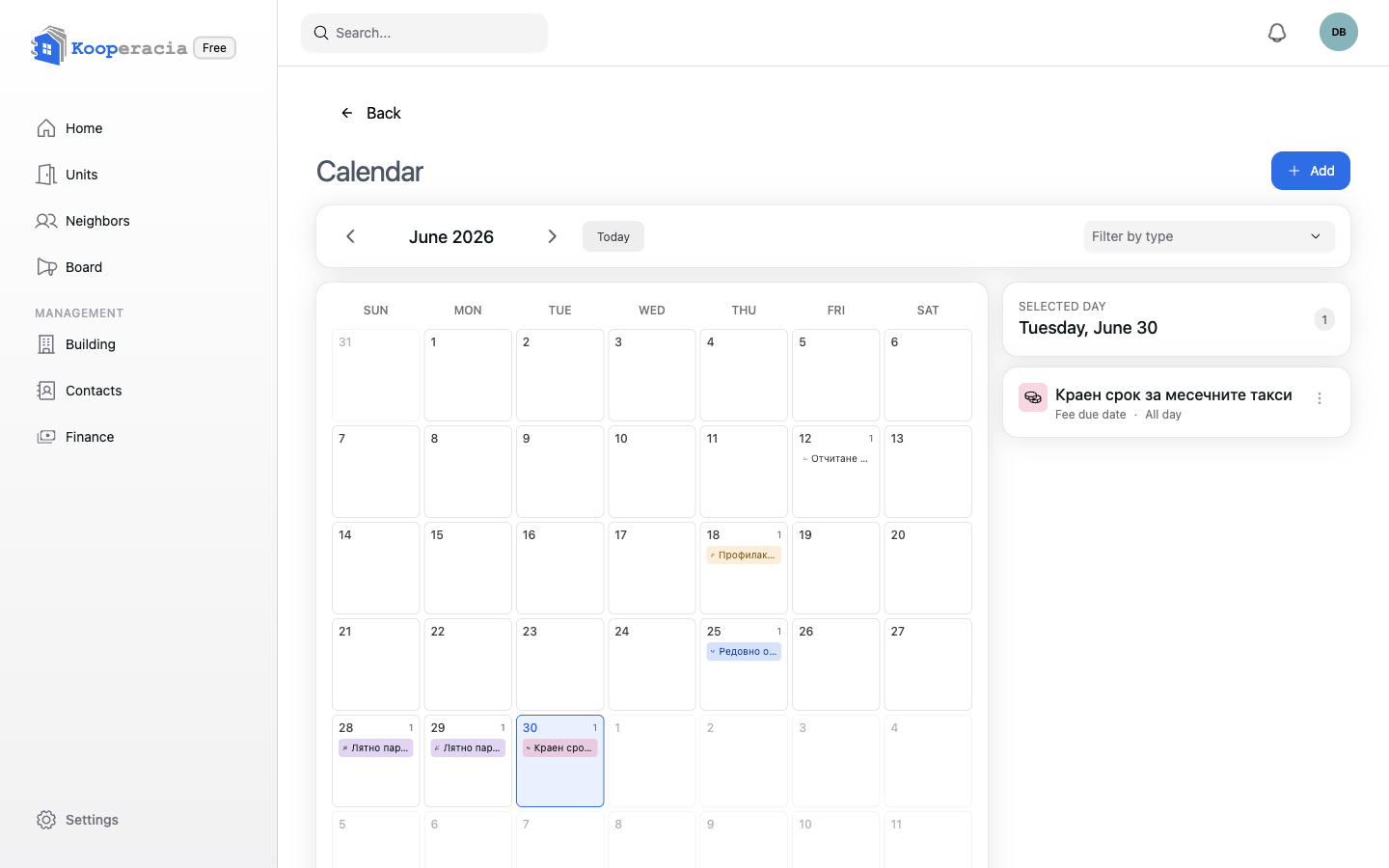
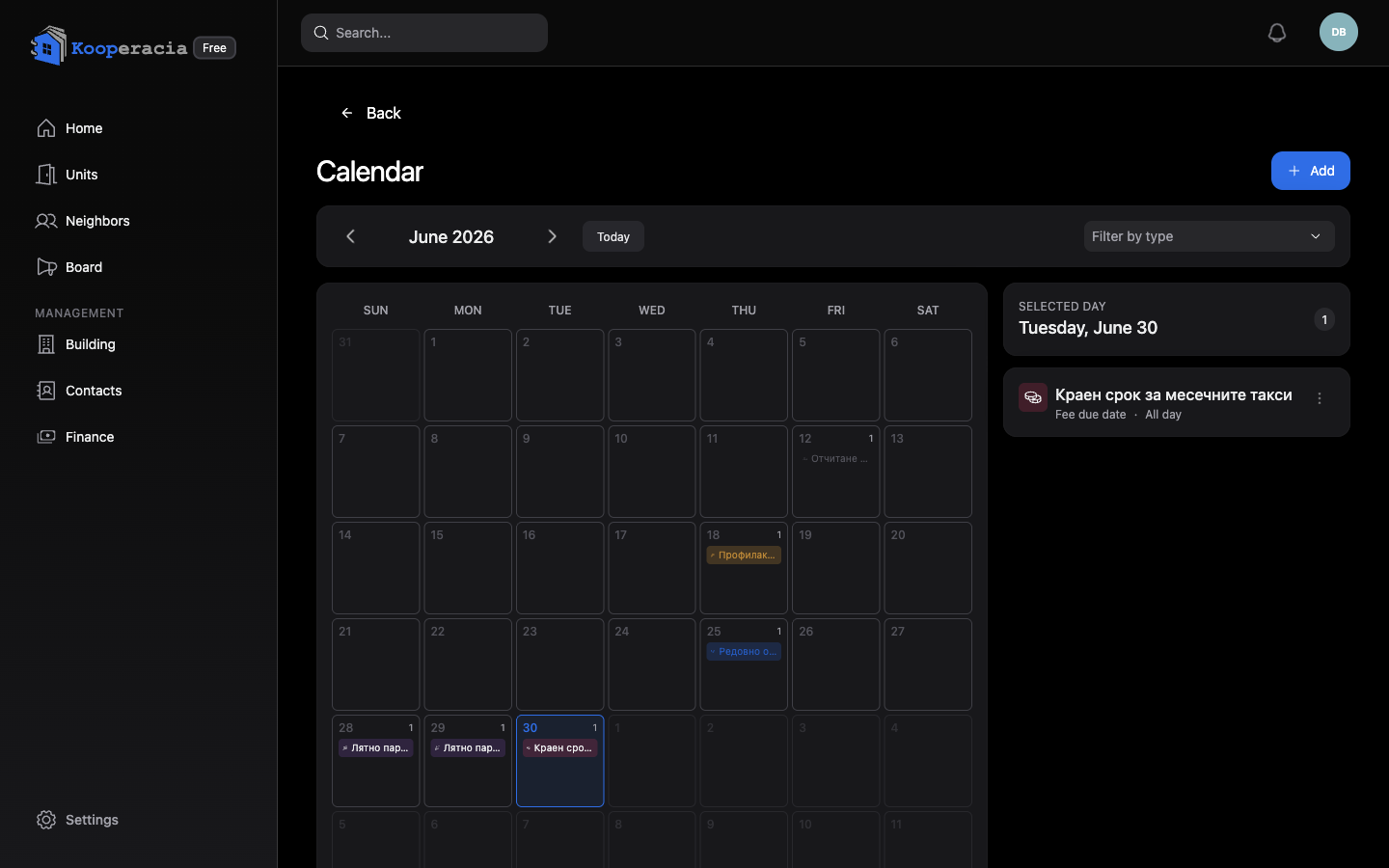 The calendar month view with a few events, and the "Add event" button.
Adding an event
Click Add event and fill in:
| Field | Notes |
|---|---|
| Title | e.g. "Regular general assembly". |
| Type | See the list below. |
| Starts at / Ends at | Or tick All day. |
| Location | e.g. "lobby, entrance A". |
| Description | Agenda or notes. |
| Collect attendance (RSVP) | Turn on to let members reply whether they'll attend. |
| Visibility | Who can see the event (below). |
Event types
| Type | |
|---|---|
| General Assembly | Management Board Meeting |
| Control Board Meeting | Fee Due Date |
| Technical Inspection | Maintenance / Repair |
| Meter Reading | Holiday |
| Other |
Filtering by type makes a busy calendar easy to scan.
Visibility
Control who sees each event:
- All members - everyone in the building.
- Owners only - just unit owners.
- Managers only - kept to the management team.
RSVP (attendance)
When Collect attendance is on, members can indicate whether they'll come - useful for assemblies where you need a quorum, so you can see expected turnout in advance.
Notifications
Members can receive a New event notification when one is added and an Event updated notification when it changes. They tune this in Notifications.
Next steps
- Announce events on the Bulletin Board.
- Discuss them in Neighbours Chat & Polls.